Bloomin' 4 Good
 Spread the word! On this page, you’ll find social media posts, Instagram Story tools, printable flyers, and a seasonal promotional video. Get creative with it! You can customize any of these tools in minutes. Not sure how to start? Let us walk you through it with the Canva how-to guide; just download to get started. Or view the Monthly Toolkit Tutorial video.
TOOL TIP: If you decide to create your own social media post, remember to include a photo from the Image Bank of the Bloomin’ 4 Good bouquet so your followers know what to look for at your selected store location!
Captions for your posts
These are captions to utilize with your social media outreach. Each caption corresponds to one of the social media posts and Instagram posts found below. Just copy and paste!
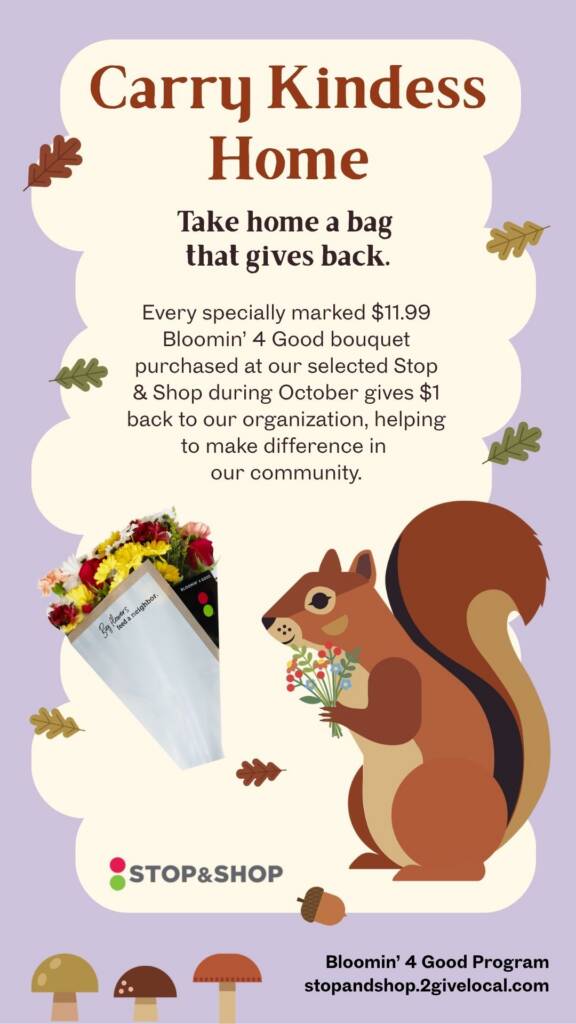
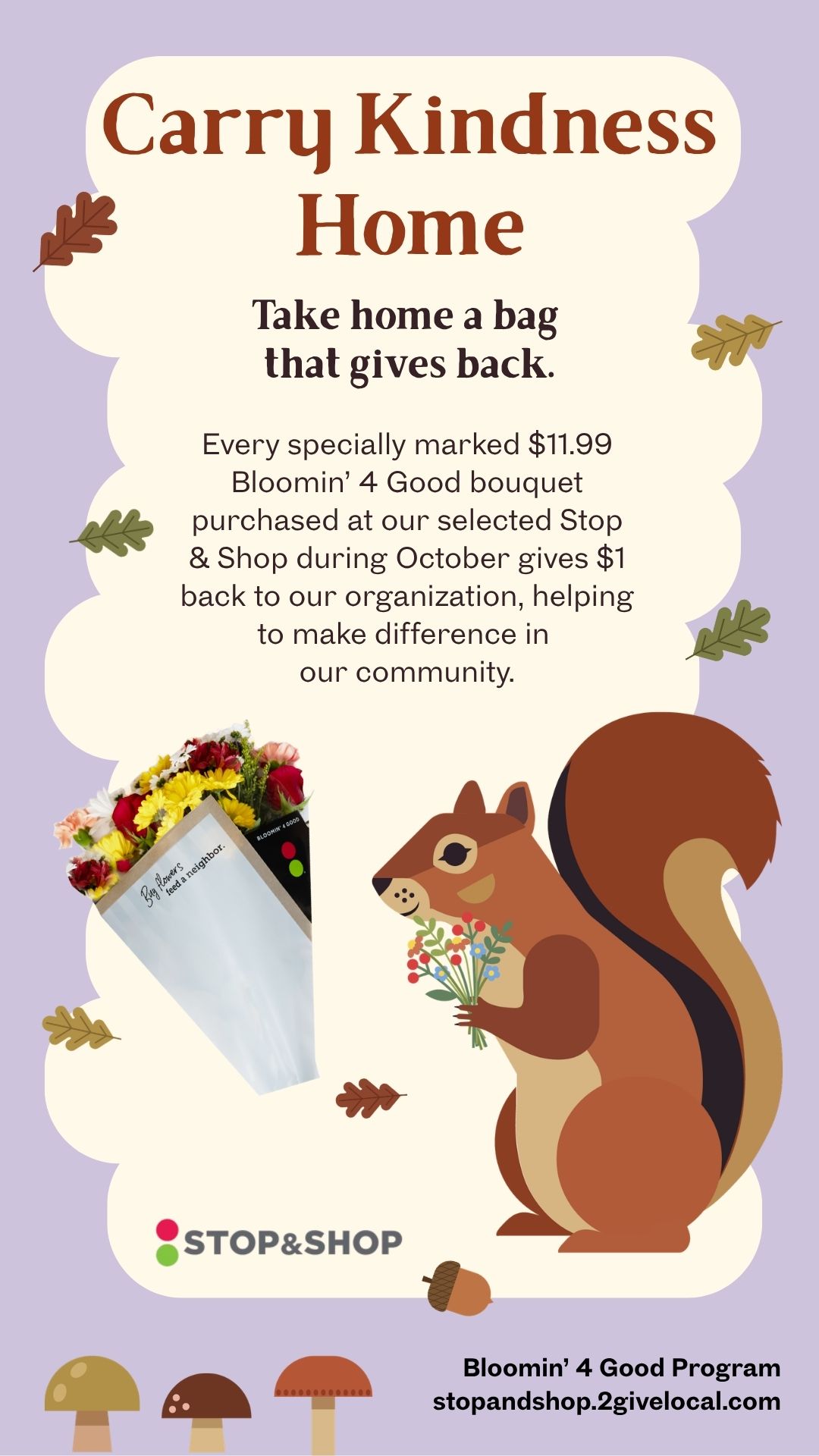
Post #1: Every specially marked $11.99 Bloomin’ 4 Good bouquet purchased at our selected Stop & Shop during October gives $1 back to our organization, helping to make difference in our community. Pick up a bouquet at [insert your selected Stop & Shop location address]!
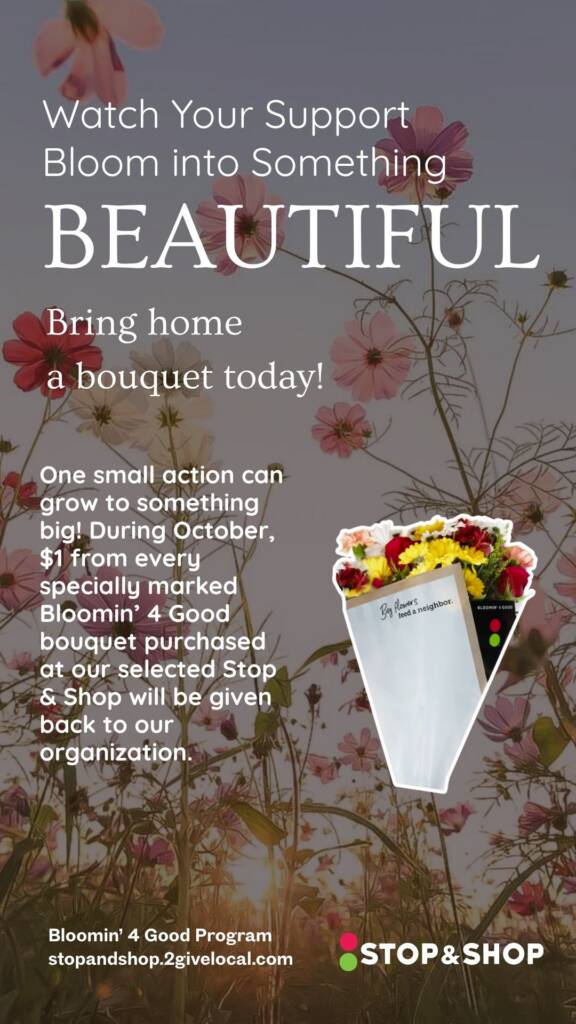
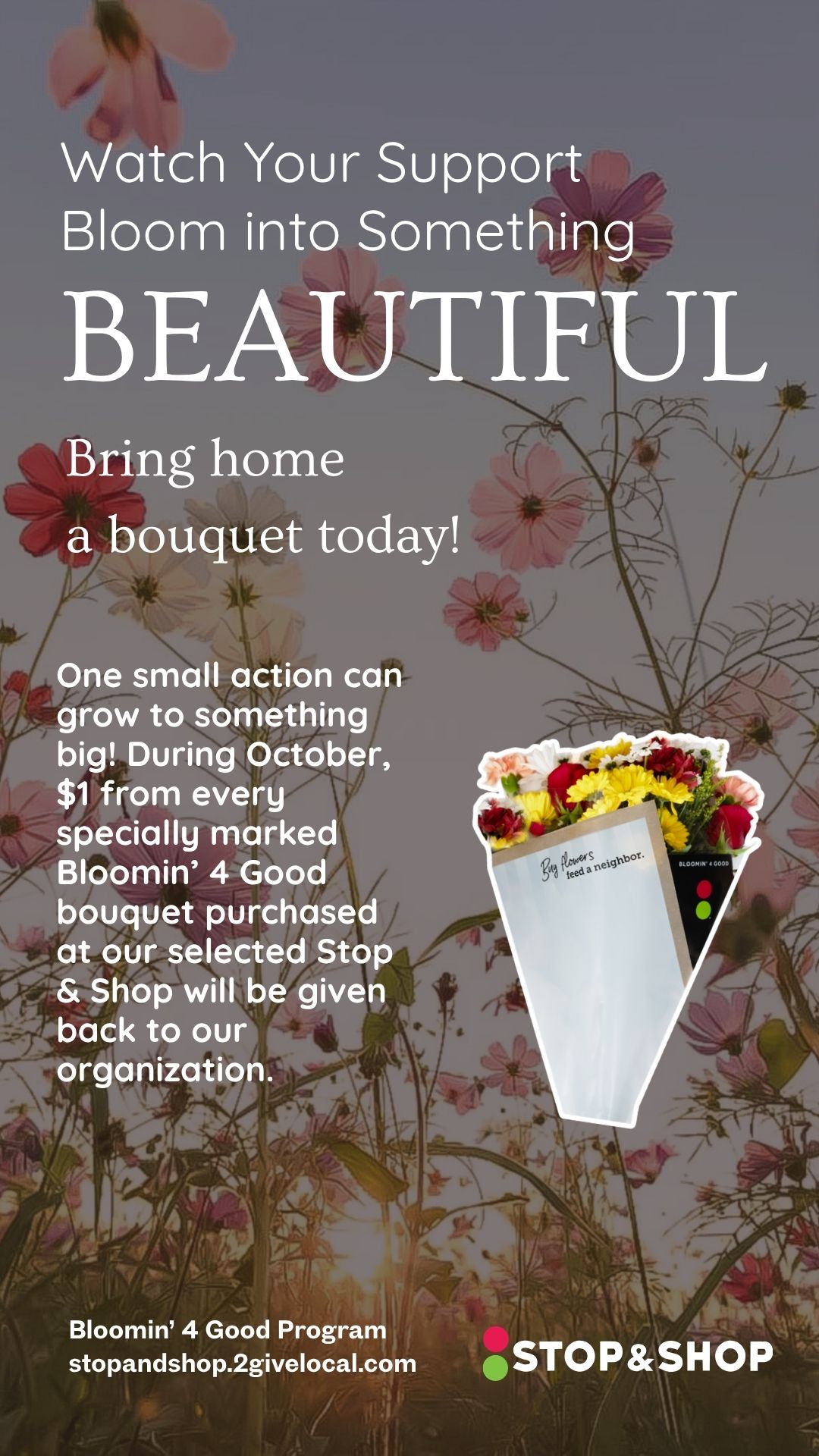
Post #2: One small action can grow to something big! During October, $1 from every specially marked $11.99 Bloomin’ 4 Good bouquet purchased at our selected Stop & Stop will be given back to our organization. Pick up flowers with extra purpose at [insert your selected Stop & Shop location address].
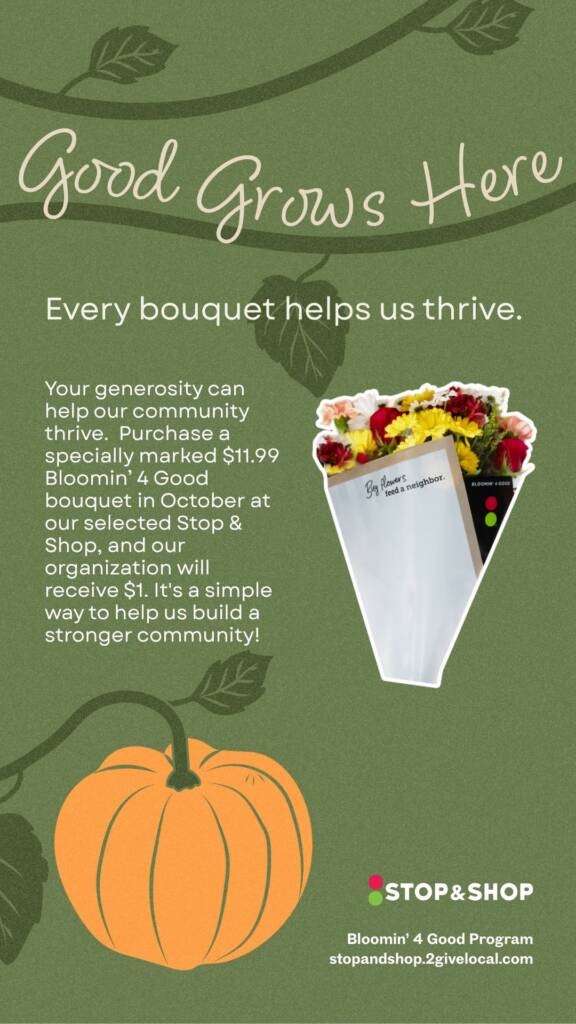
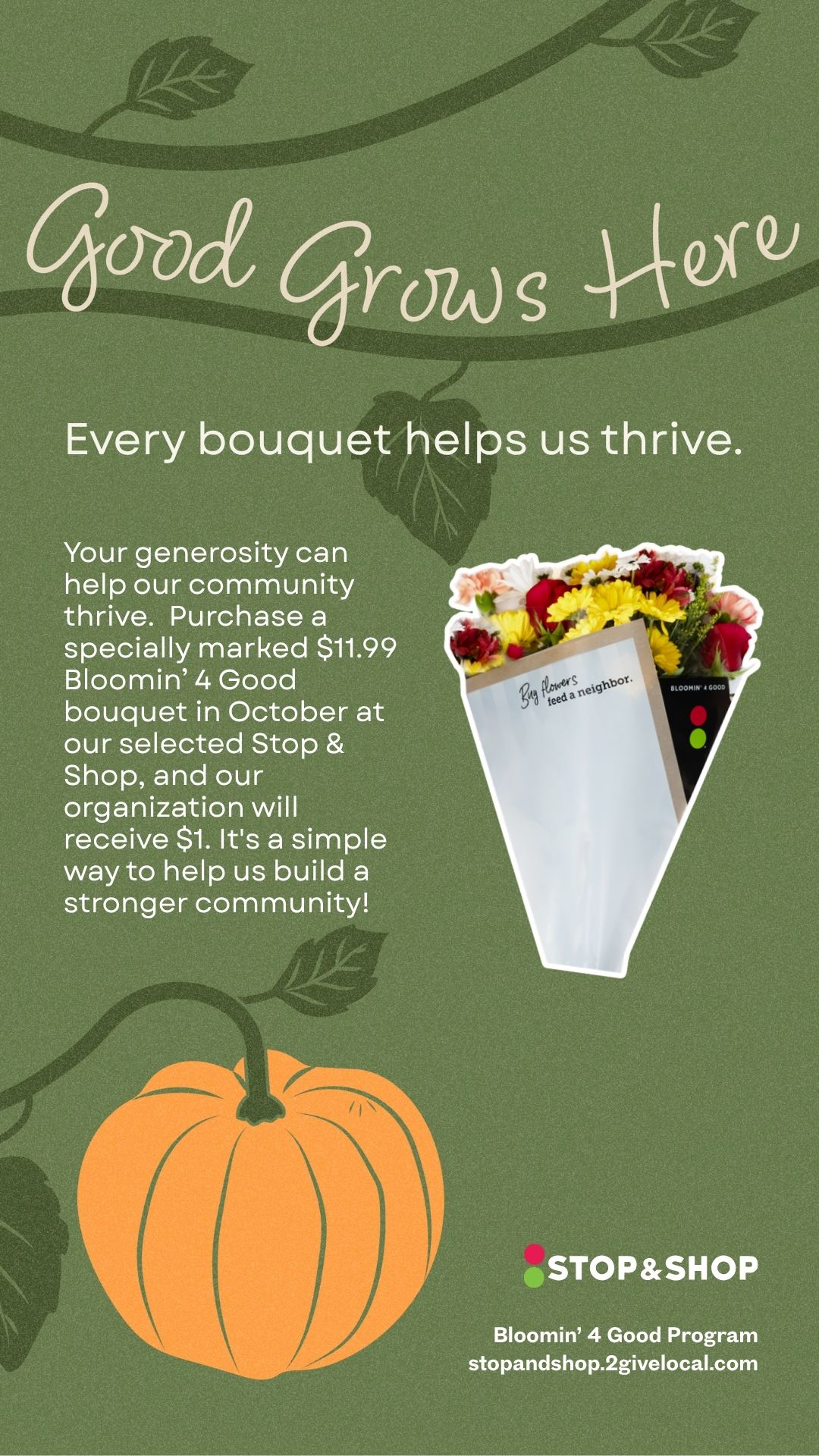
Post #3: Your generosity can help our community thrive. Purchase a specially marked $11.99 Bloomin’ 4 Good bouquet in October at our selected Stop & Shop, and our organization will receive $1. It’s a simple way to help us build a stronger community! Visit the floral department at [insert your selected Stop & Shop location address].
Social Media Post
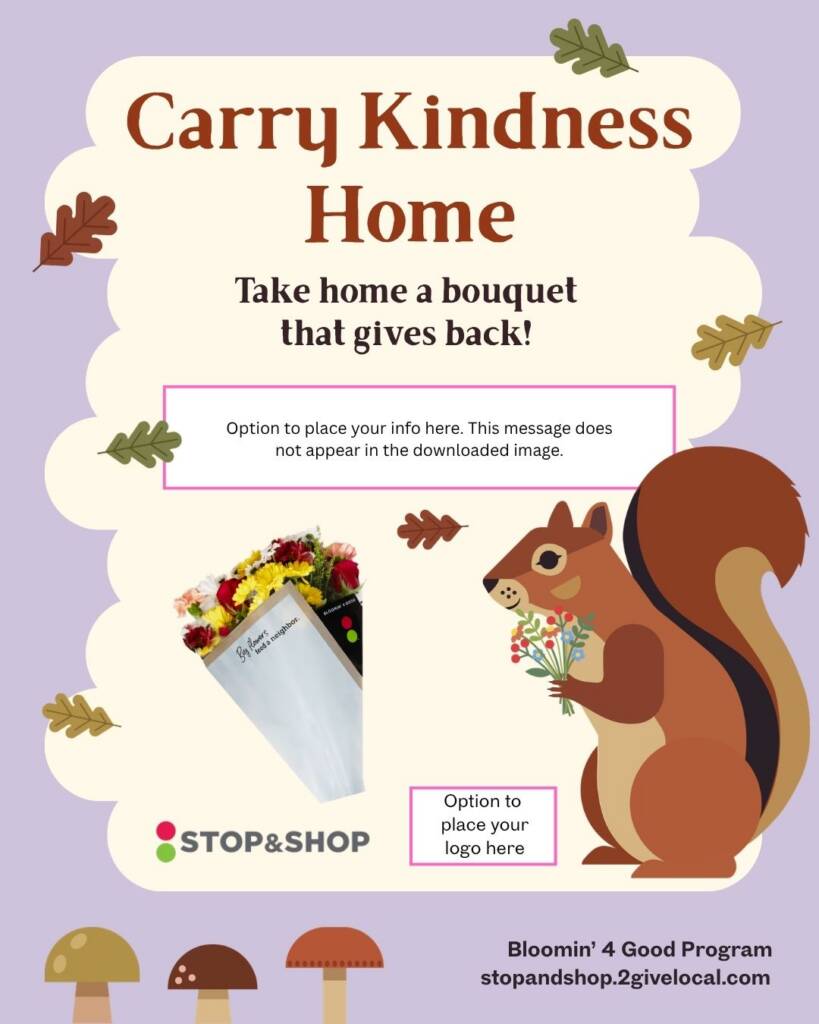
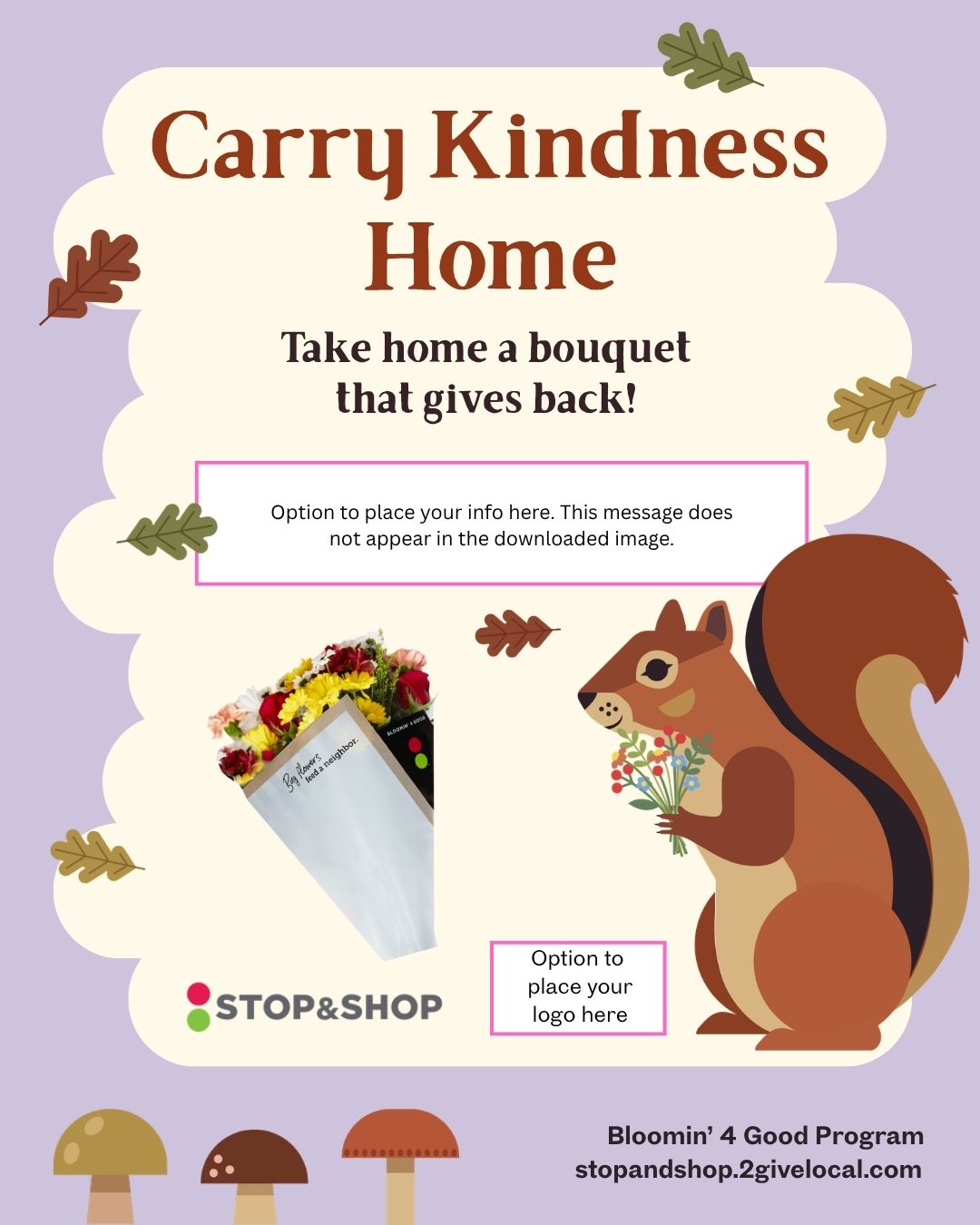
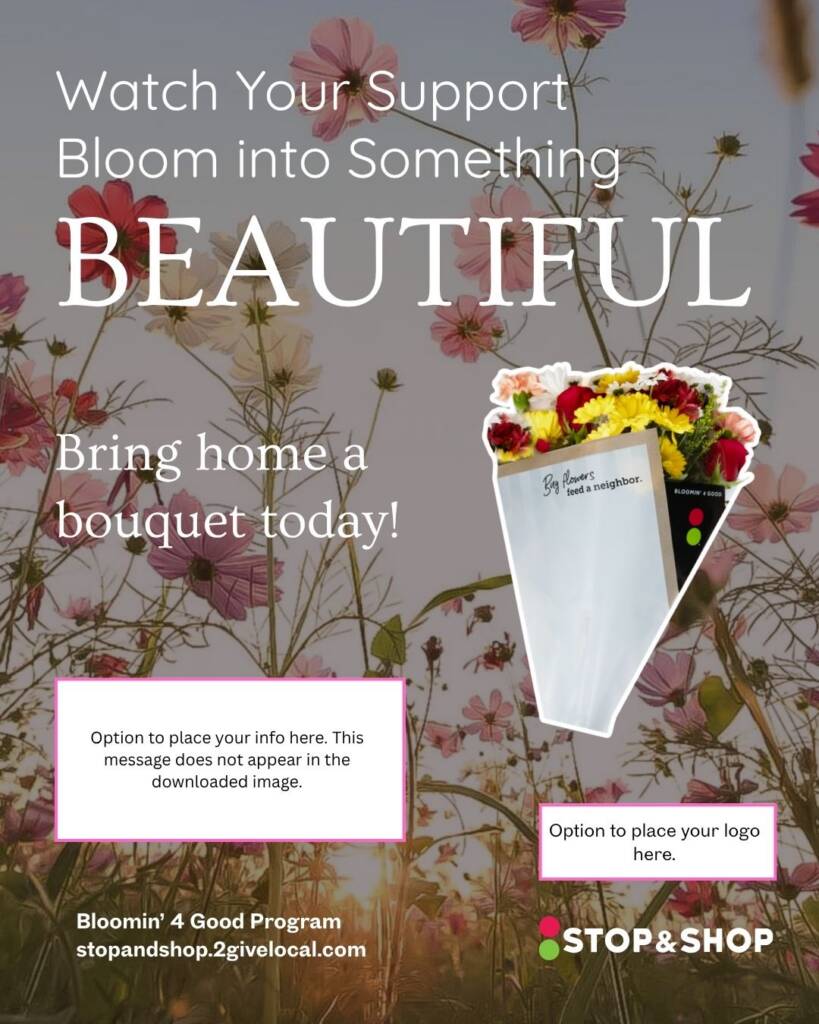
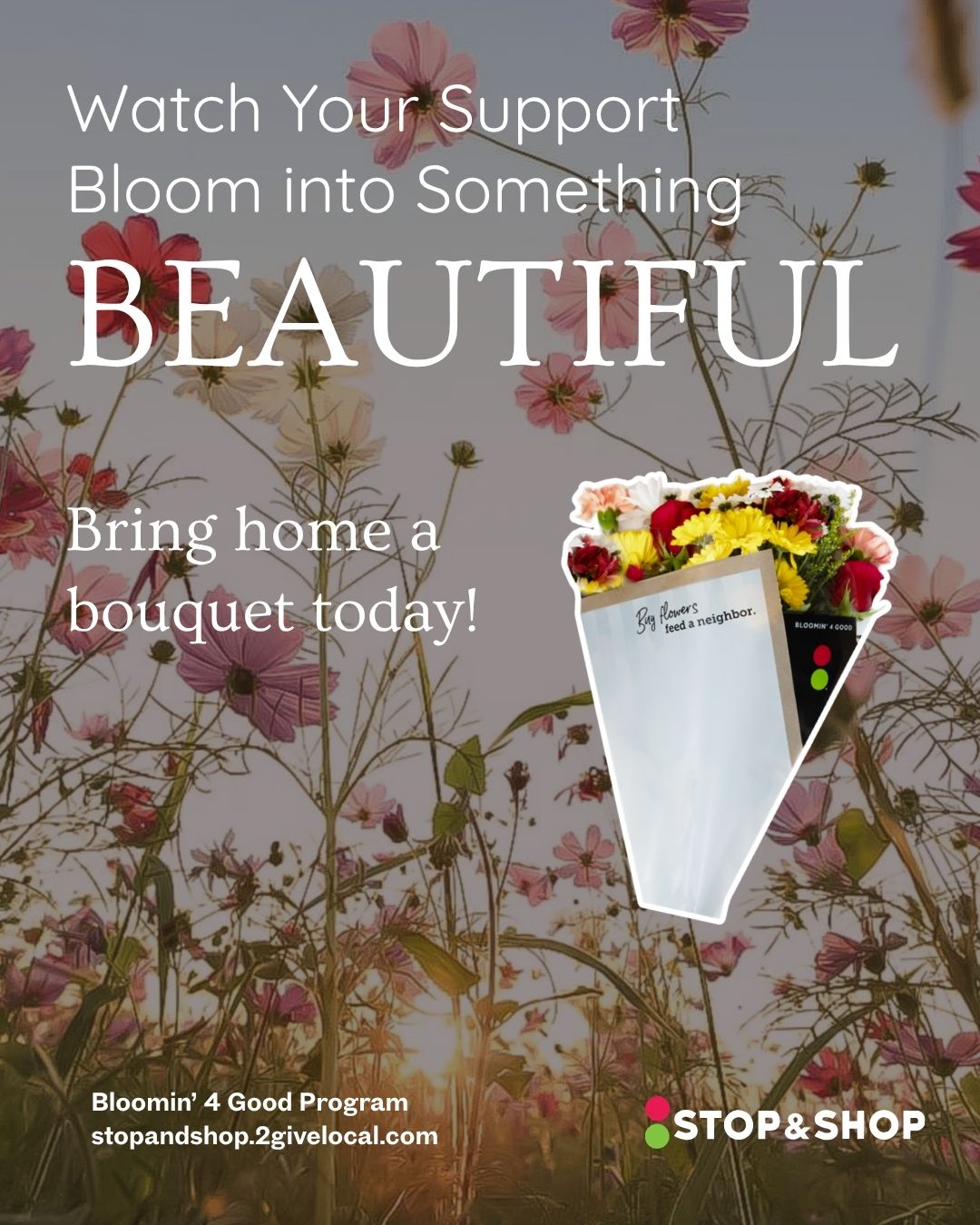
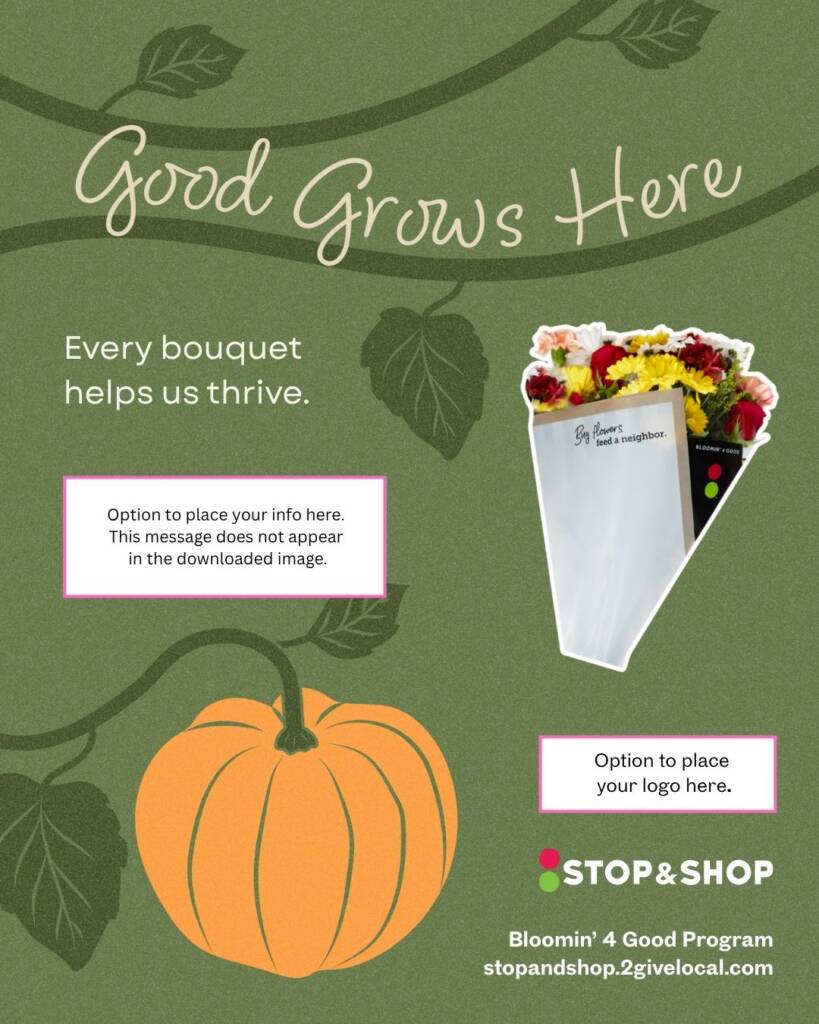
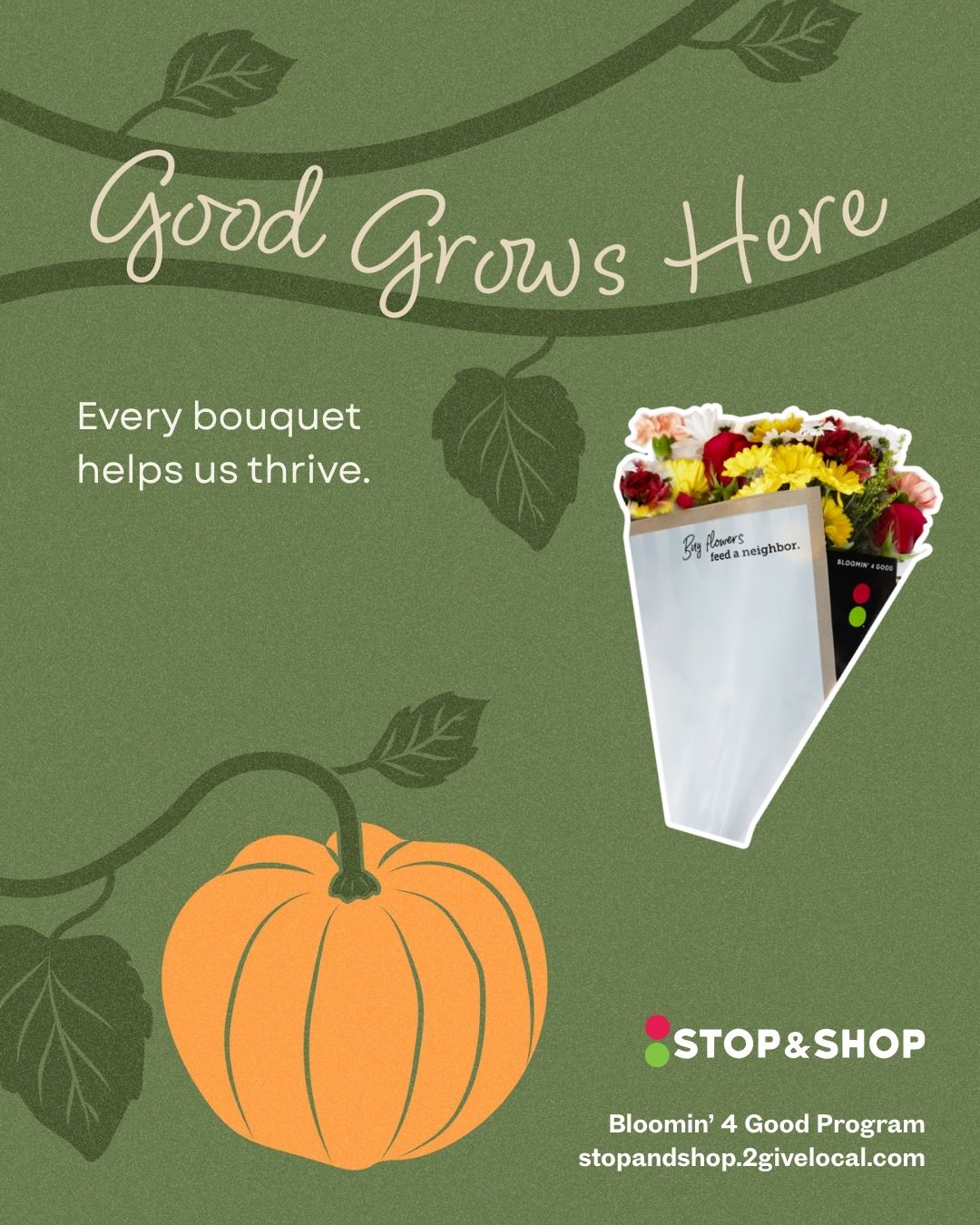
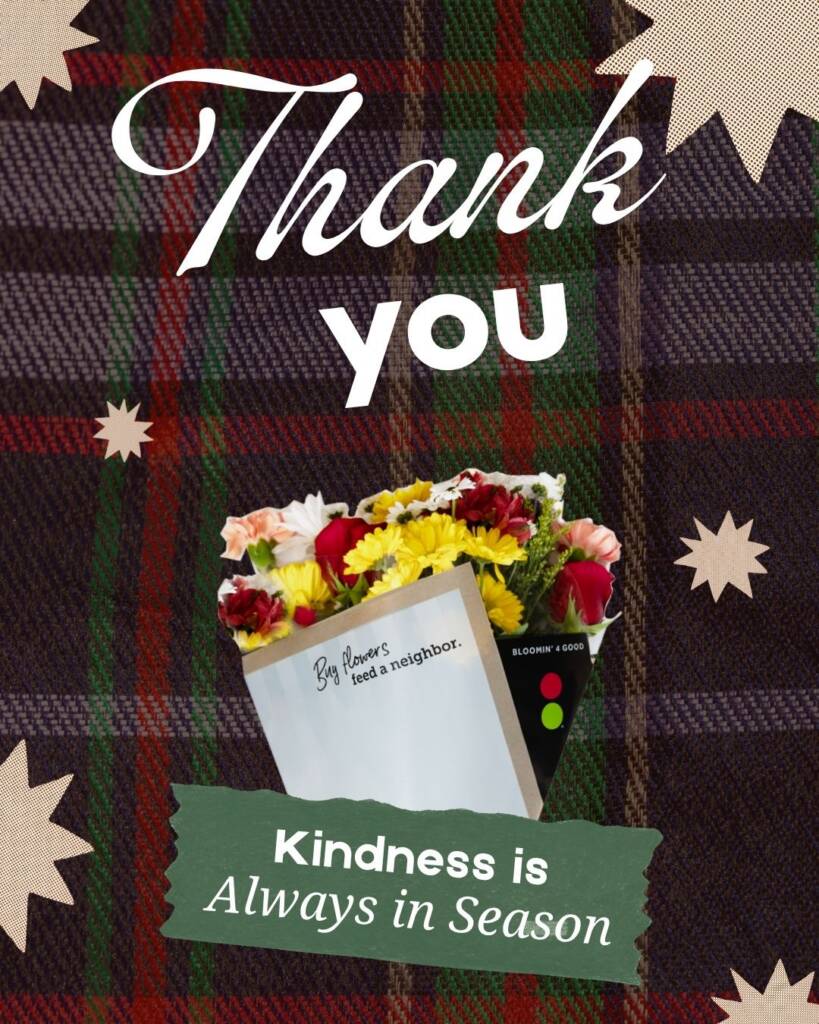
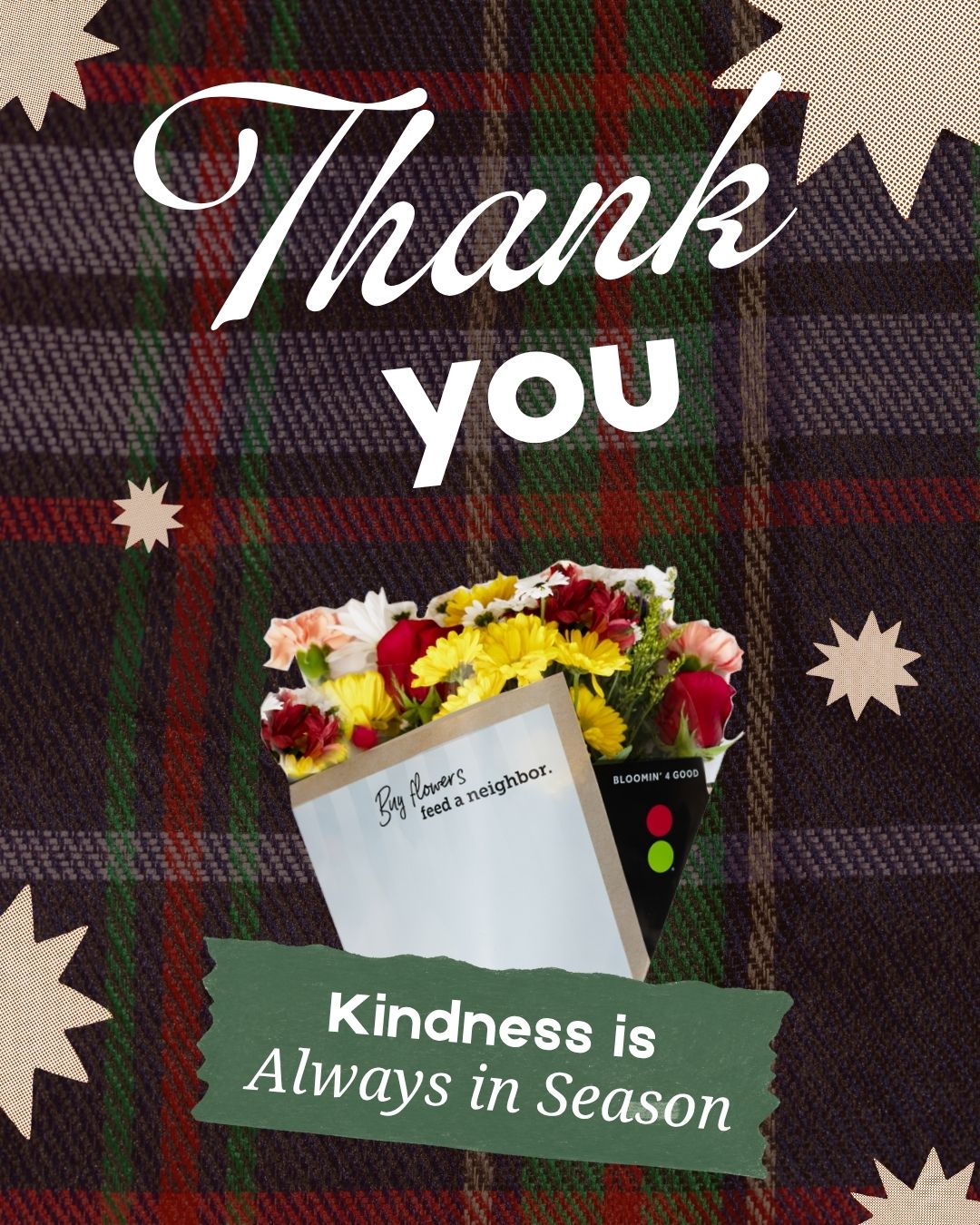
Post on Facebook, Instagram and more with this one tool! Just download and post on ALL social media platforms. Make sure that in your post caption you include the month and store location of your selection.
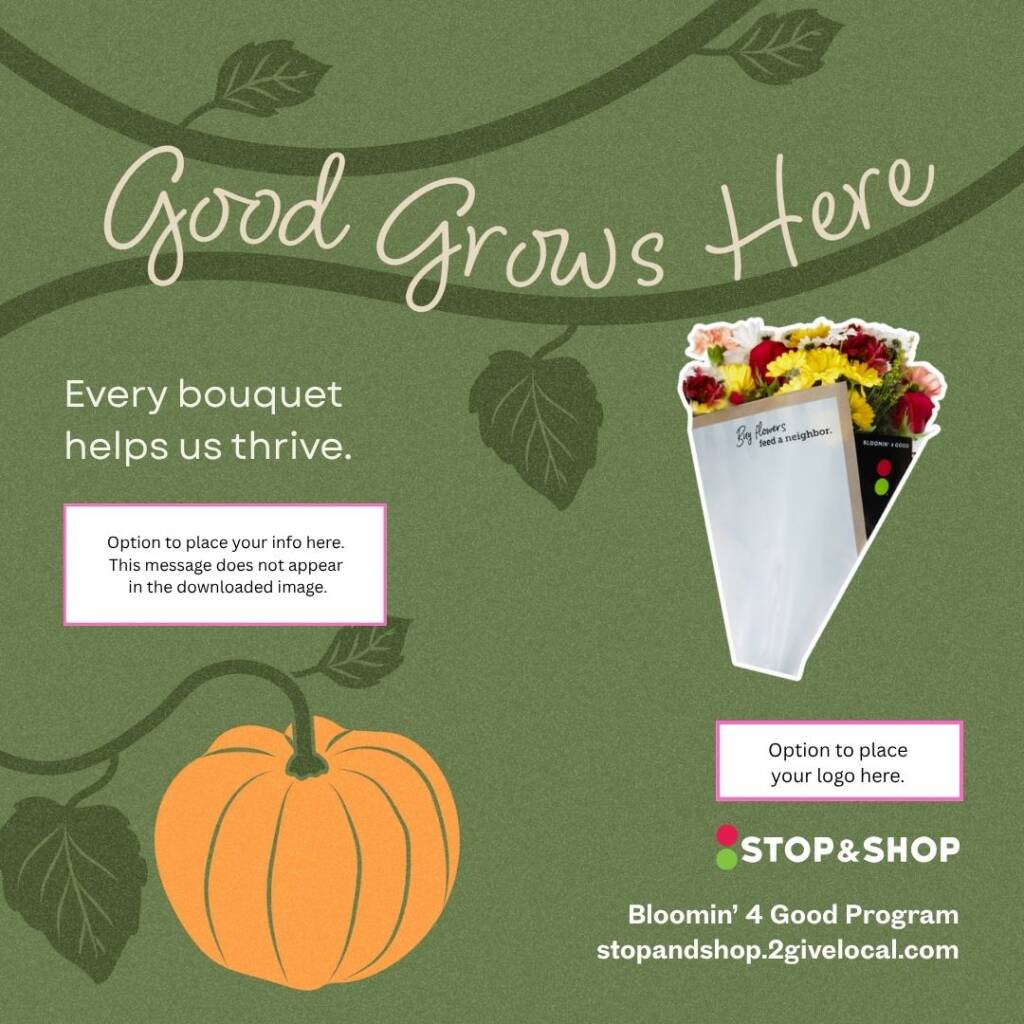
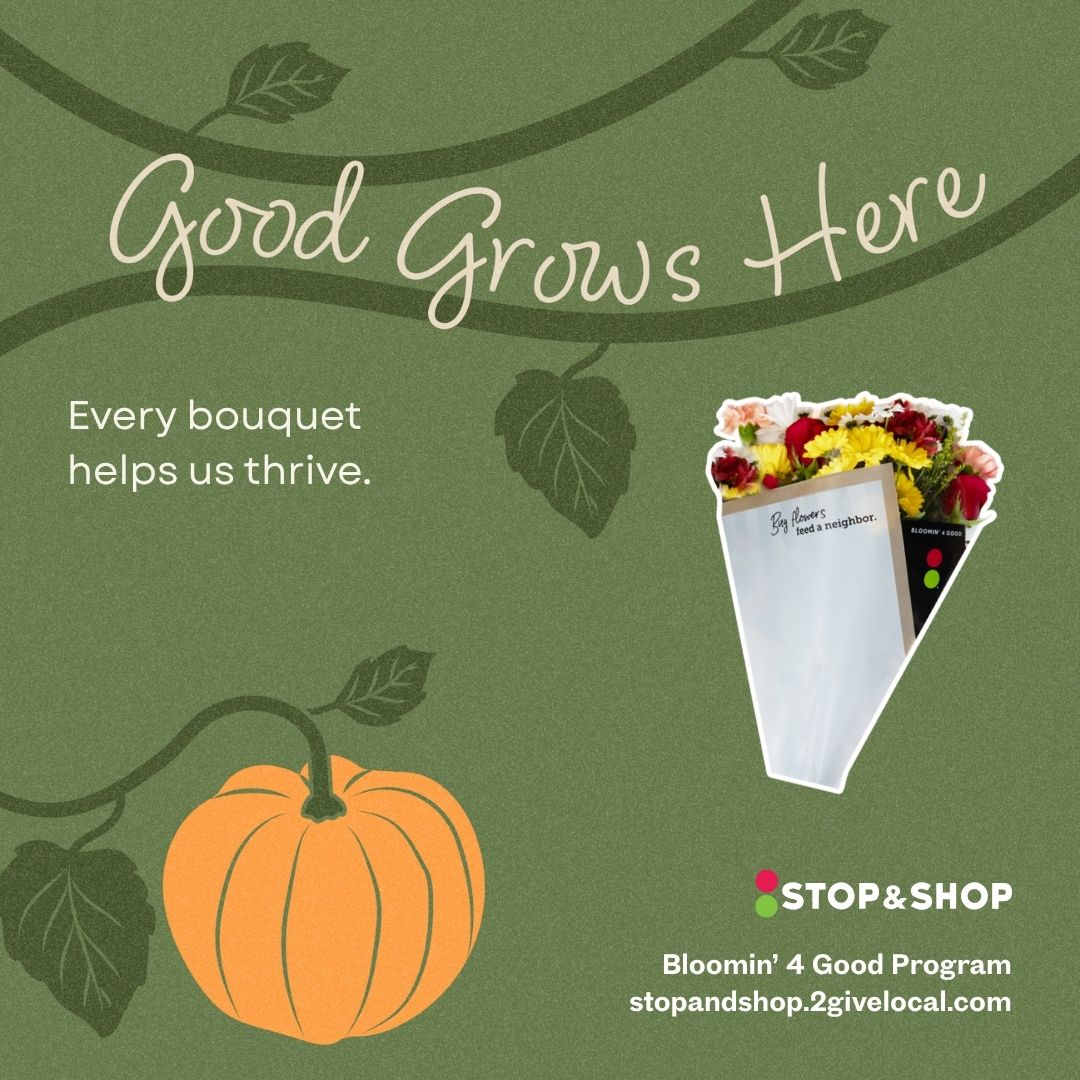
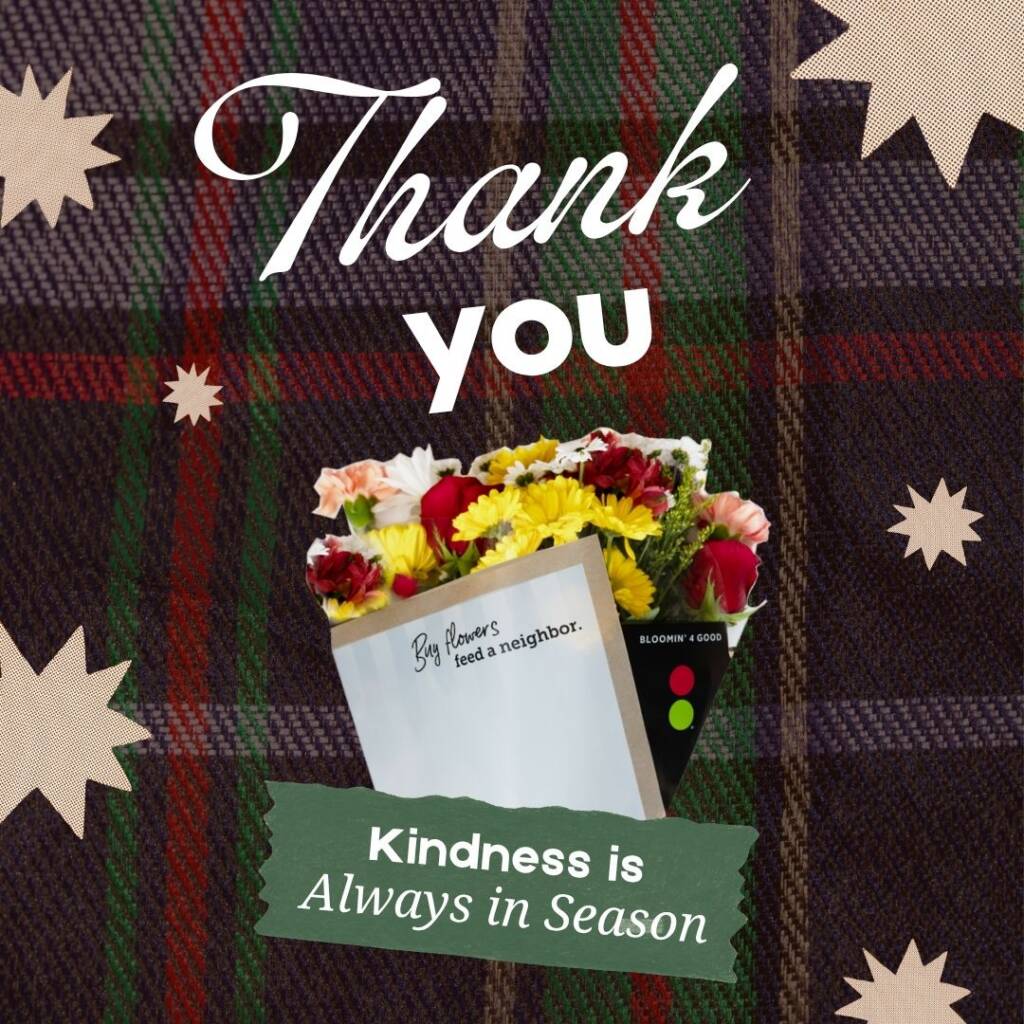
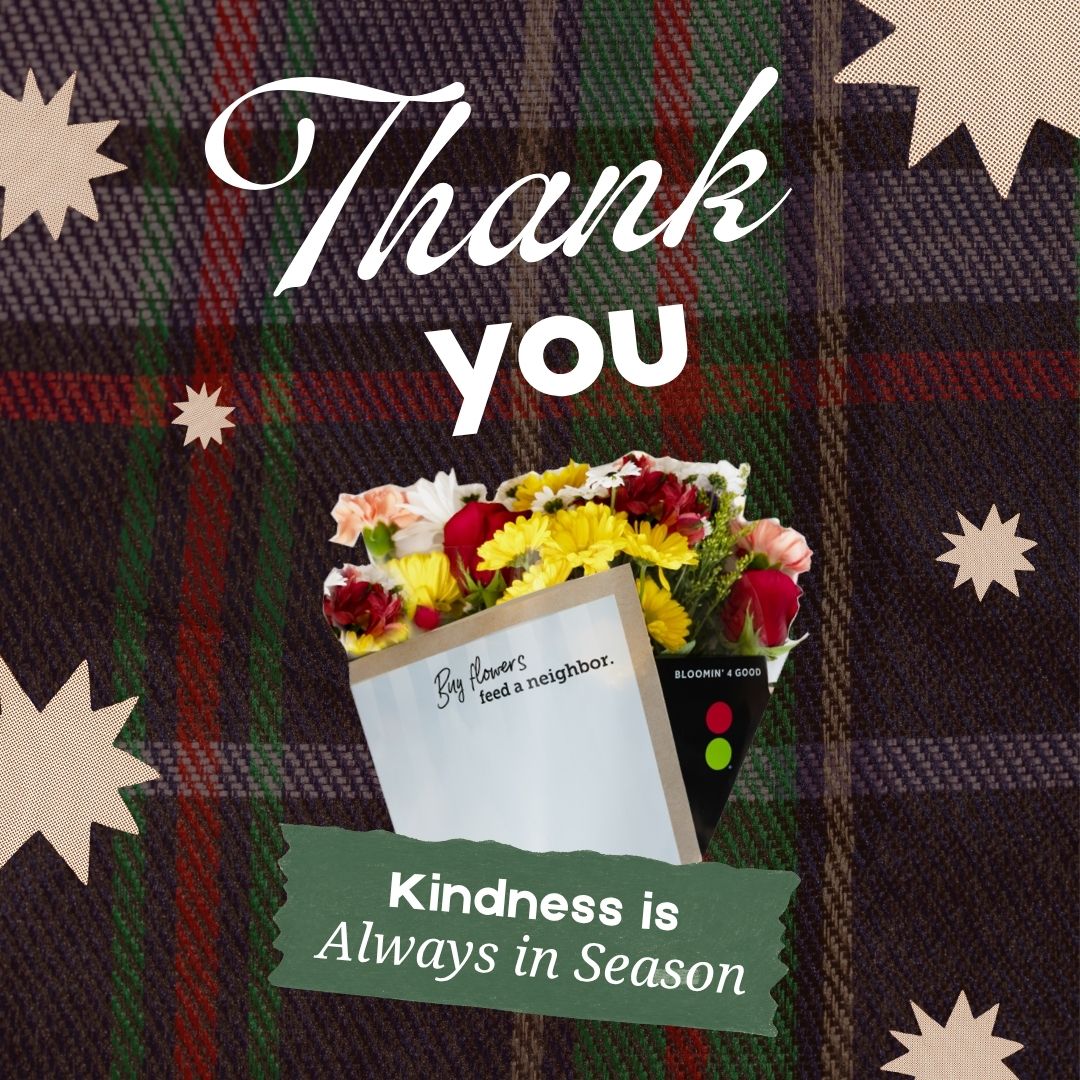
Instagram Post
Download and post on Instagram and corresponding outreach platforms!
Instagram Story
Stories disappear in 24 hours, so use this tool to send your followers daily reminders. Open this image in the Instagram app to easily add your logo and any text you want. Even better, you will find lots of fun stickers, including a countdown for the days left in your month!
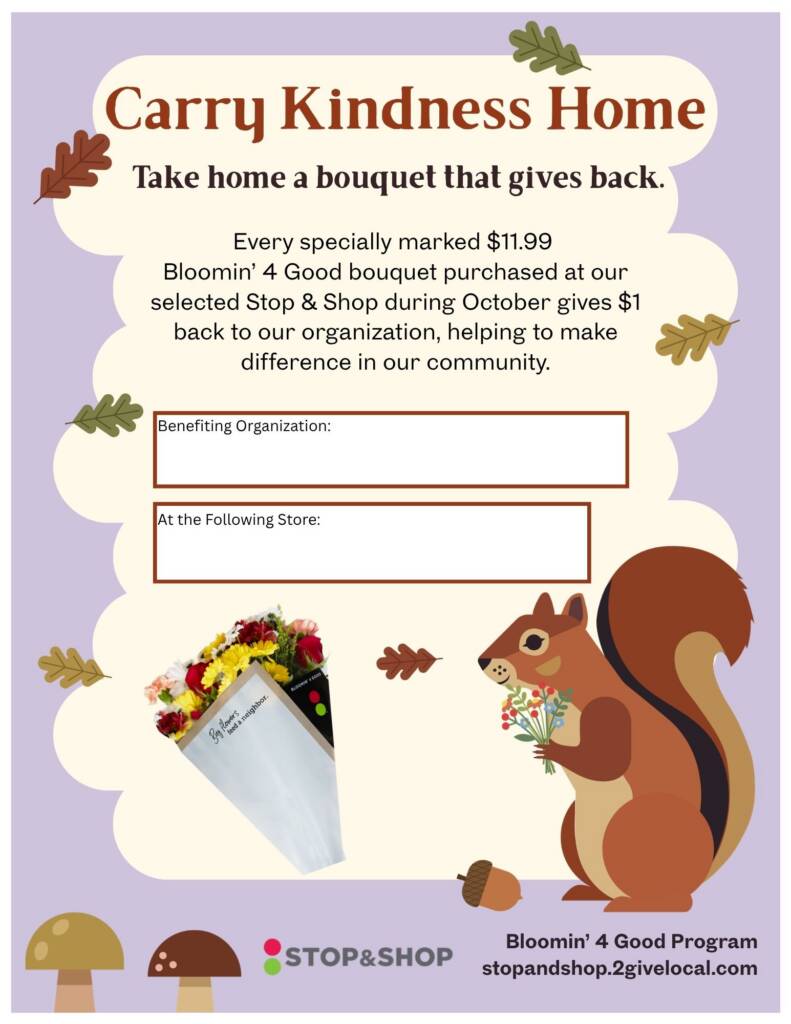
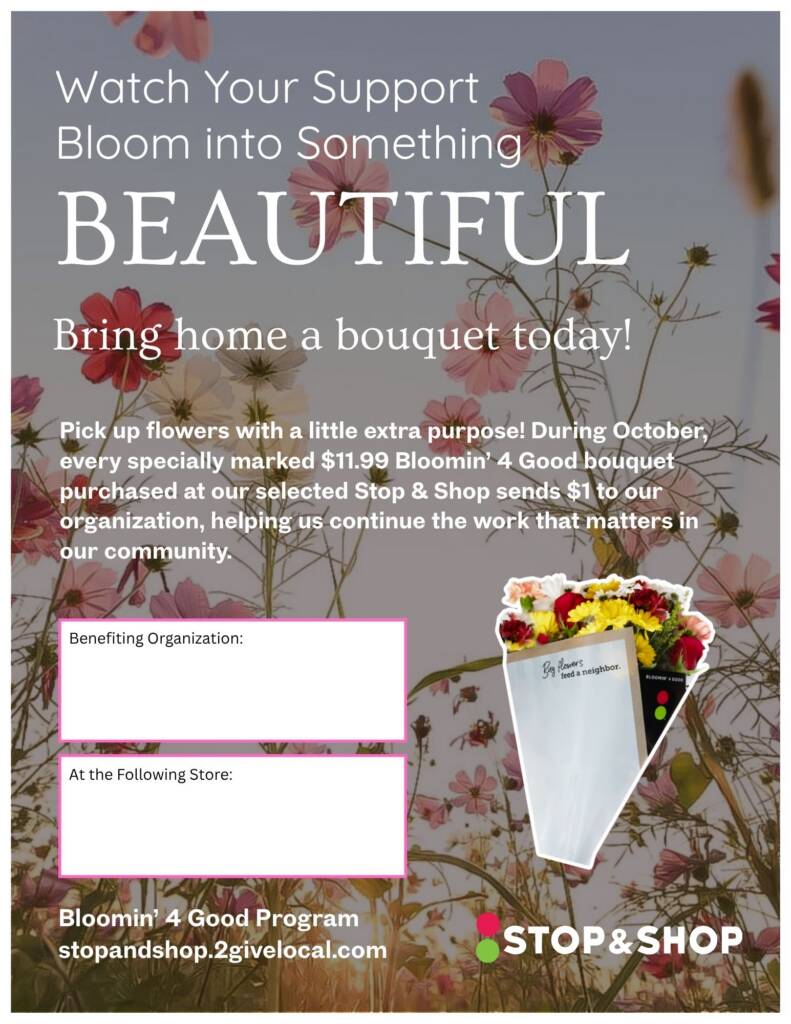
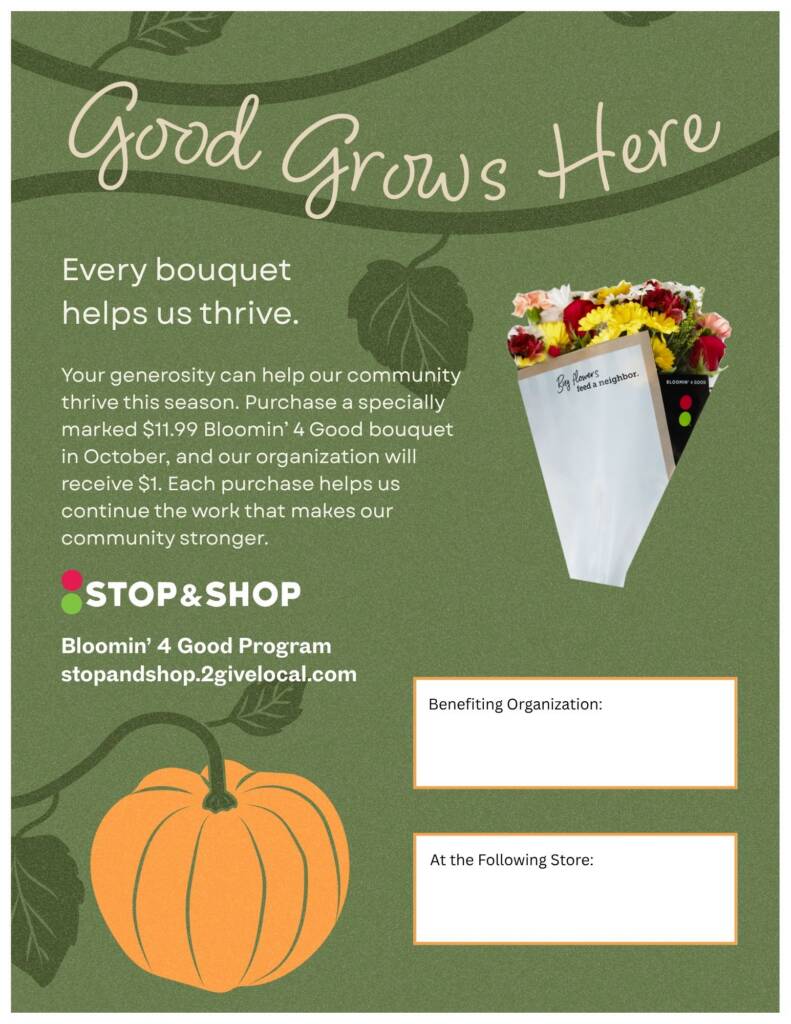
Flyer
Reach new supporters by putting up flyers around your community! Add your organization’s name and selected store location by inserting a text box directly on the downloaded tool. Or download, print, and write in the spaces provided. The more flyers you put around town, the more people will come to support your organization!
Fall Promotional Video
Simply download the video to your device, and you’re ready to post it to any social media platform! Don’t forget to add a caption with the address of your selected store and the month you’re benefiting.